








 Hemant Tiwari
.
October 15, 2025
.
New Products
Hemant Tiwari
.
October 15, 2025
.
New Products
Growing up, I had the privilege of spending two years of my childhood exploring the United States with my family in a “well-loved” 1998 Fleetwood Bounder. To this day, my father still stands behind the only somewhat sarcastic statement that it was a GPS that kept their marriage alive. That was in 2010, and while the love that my parents have for each other has not changed, the world of digital navigation absolutely has. Now, more than 15 years later, I am finding my own ways across our beautiful land of opportunity on my own terms. Fortunately, I am doing so with a little bit more ground clearance (though with a lot less storage space.)
So, what happens when it is time to pull off the highway? Where does one go when Apple Maps runs out of Internet? This is where true off-road navigation solutions come into the picture. Navigation is an essential part of adventure, and in today’s market there are several options when it comes to mapping your route from the pavement to the dirt and back again. Mobile phone applications like iOverlander or OnX can provide map information like campsites, private and public land zoning, etc., but require you to use your personal device as the interface. That’s not a problem for occasional use, but what about as a dedicated solution?
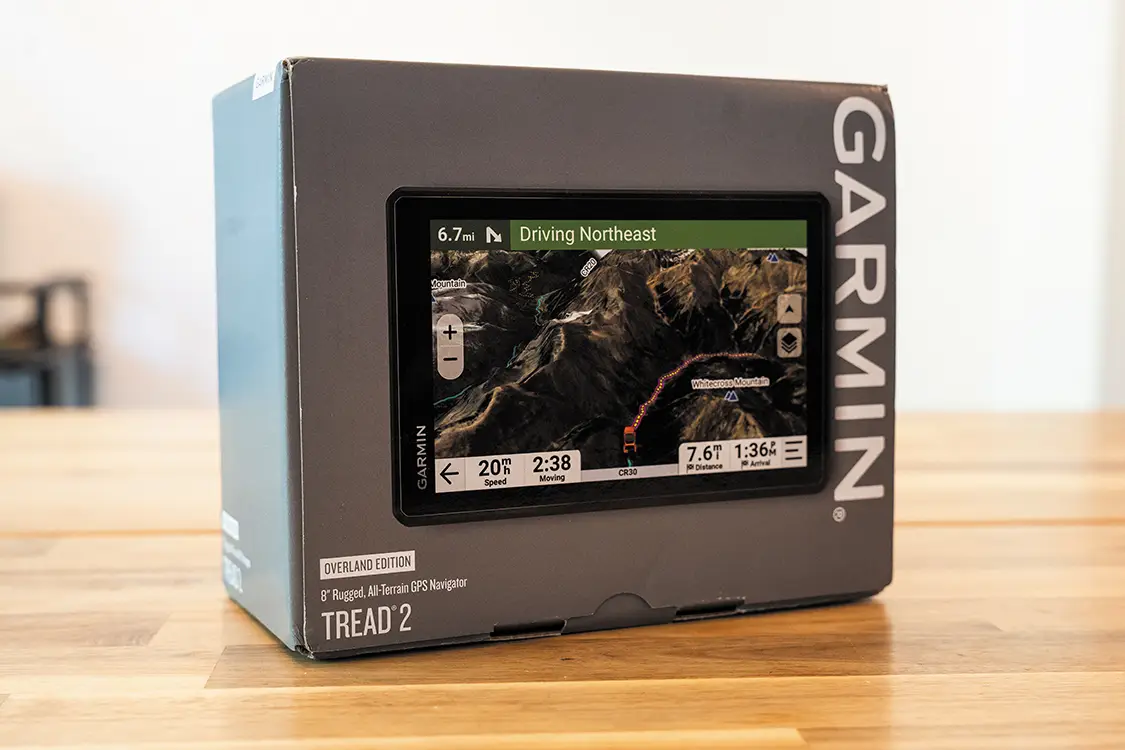
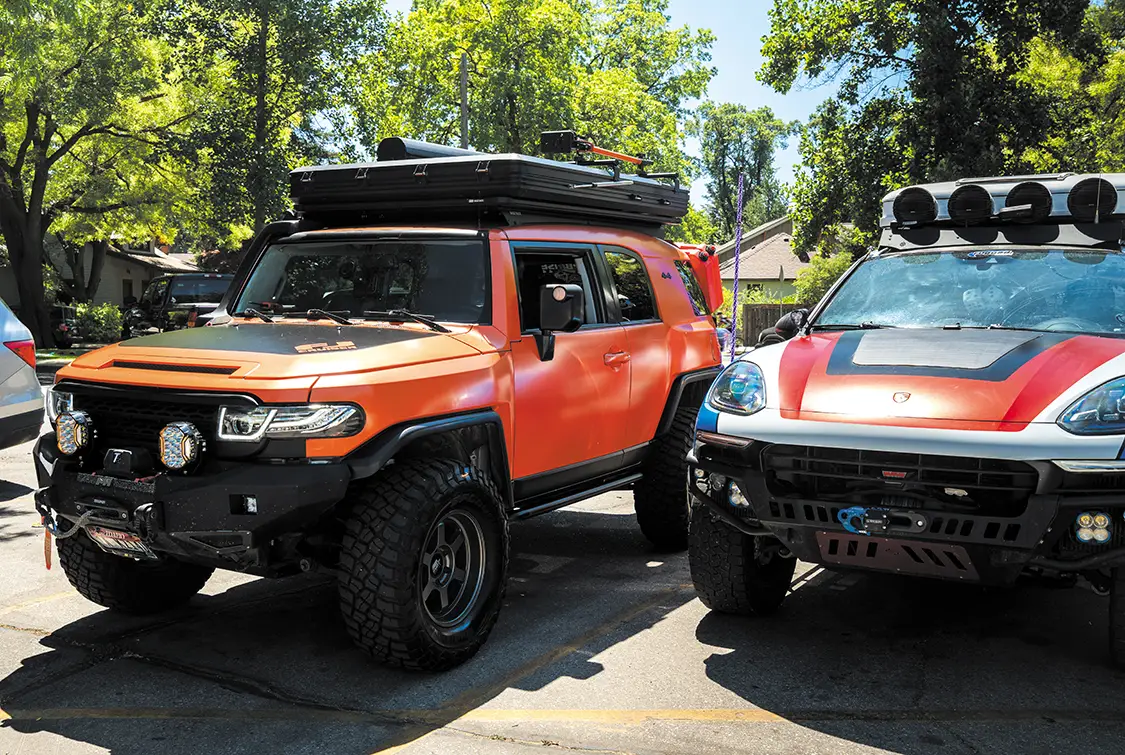
Enter the Garmin Tread 2 Overland Edition, the newest off-road GPS navigation system from Garmin that keeps the automotive adventure enthusiast in mind. Here are some basic specs worth highlighting:
– 8-inch display that is capable of displaying in both vertical and horizontal orientations (1280 x 800 pixels)
– IP6X dust rating and IPX7 water rating
– 64GB of internal storage with up to 256GB of external SD card storage
– Onboard sensors for GPS/Galileo/barometric altimeter/compass/10 Hz multi-GNSS positioning
– Garmin inReach compatible
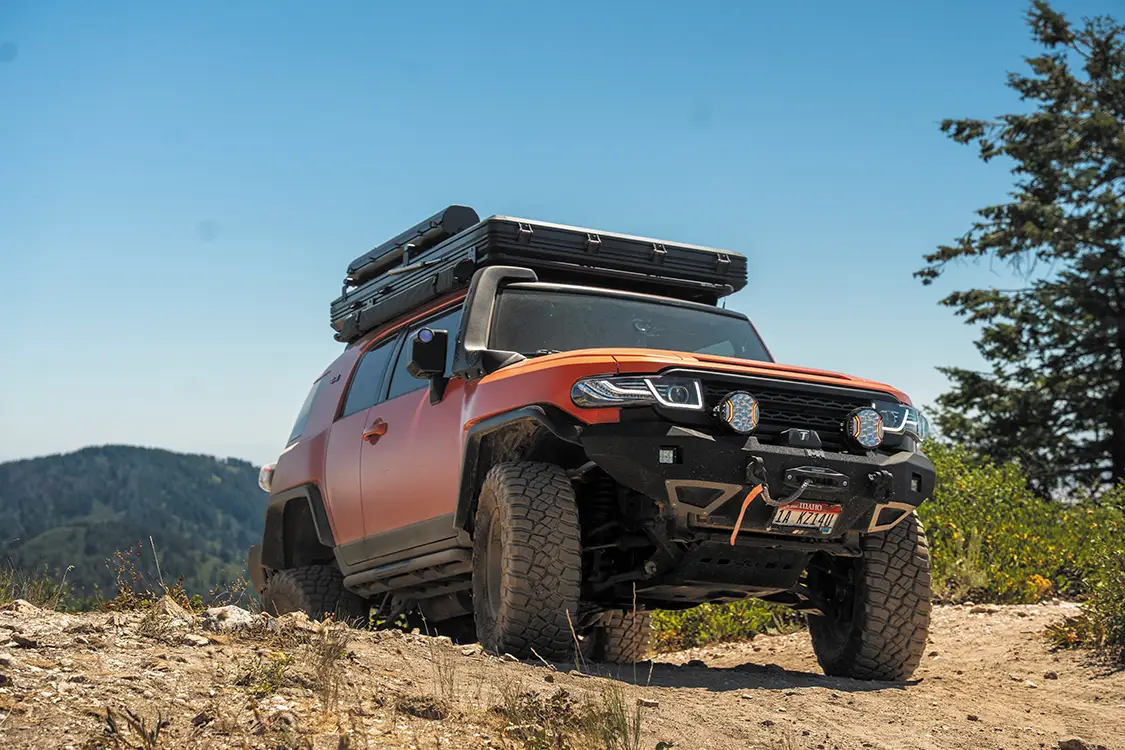
To get the full experience with the Garmin for the day, I reached out to one of my buddies and asked him if we could take his FJ off-roading for the day, using the Garmin Tread 2 Overland Edition as our navigational tool.
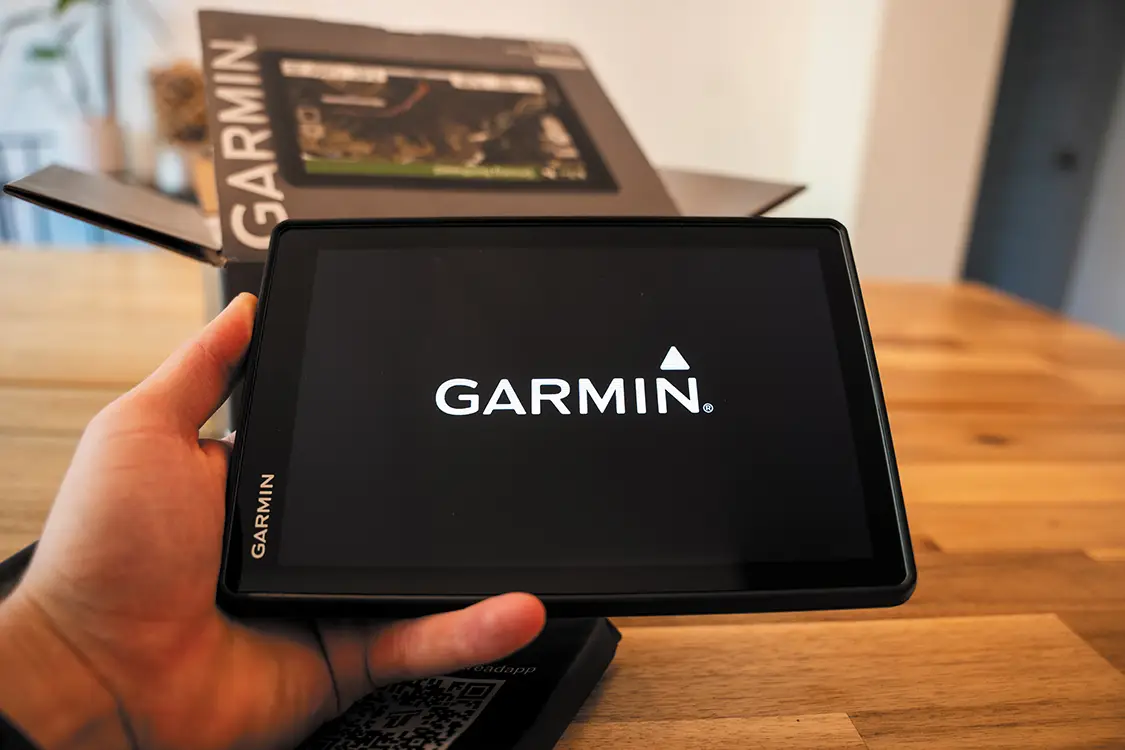
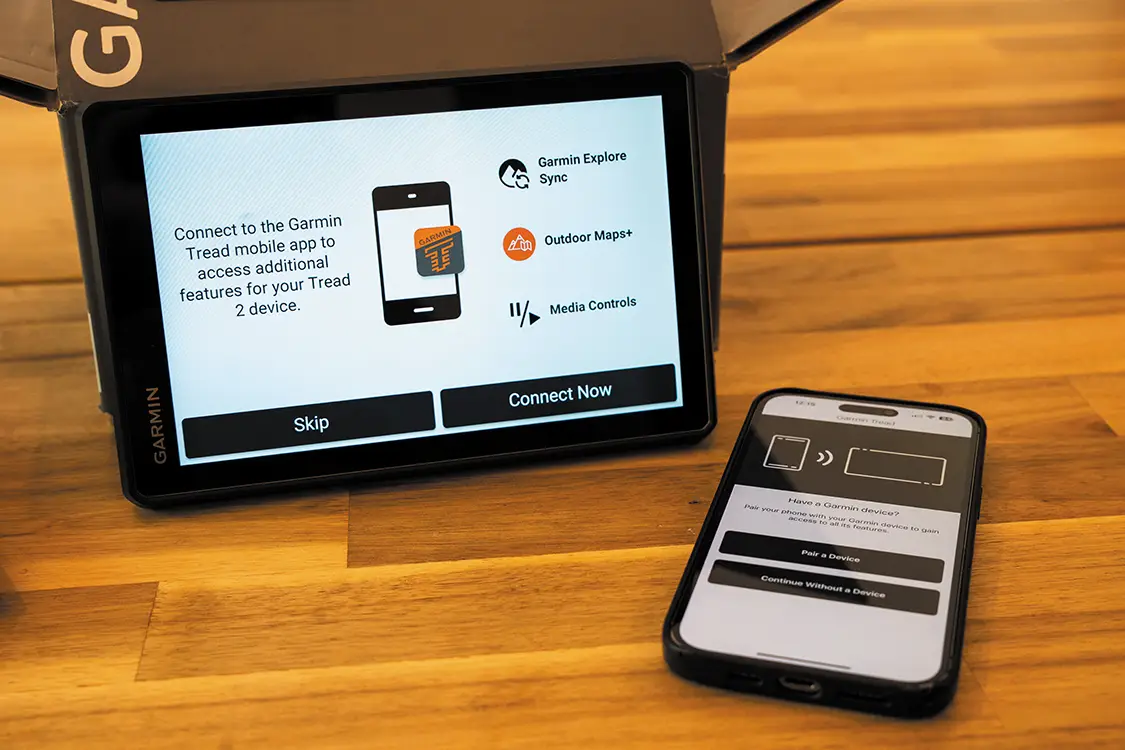
To get ready for the day of adventure that lay ahead, and to assure that we wouldn’t end up stranded with no Internet and no ability to set up the new Garmin Tread 2 system, I started my morning at the dining table with the Garmin sitting in front of me. While the unboxing experience isn’t the main focus of this article, I would like to note that the initial experience of opening this navigation unit was reminiscent of opening my first iPhone. Right off the bat, I could tell it was a premium product, and I began to better understand the $999.99 price point. Once out of the package, all 8 inches of the Tread 2 Overland Edition came to life with the Garmin logo front and center. I was impressed not only with the speed that the unit booted but also with the fact that it was still charged since the box had been sitting in my room for almost a month and a half unopened. While the Tread 2 was launching its operating system, I downloaded the Garmin app TREAD and went through the rest of the setup process.
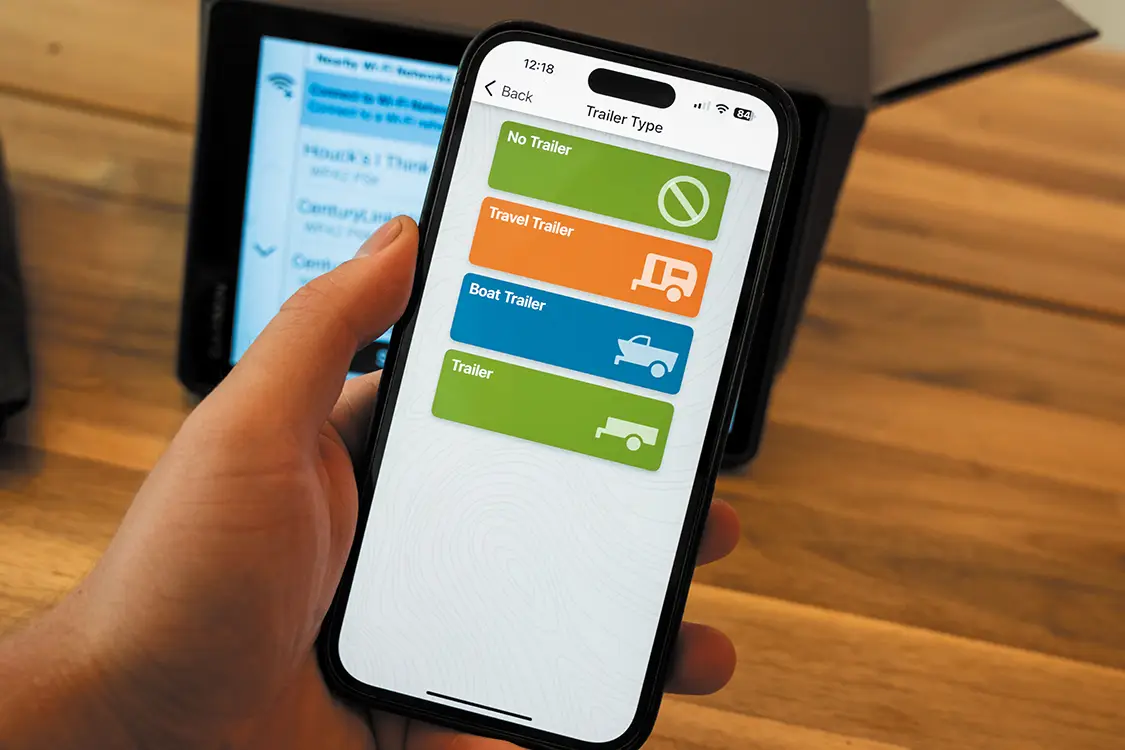
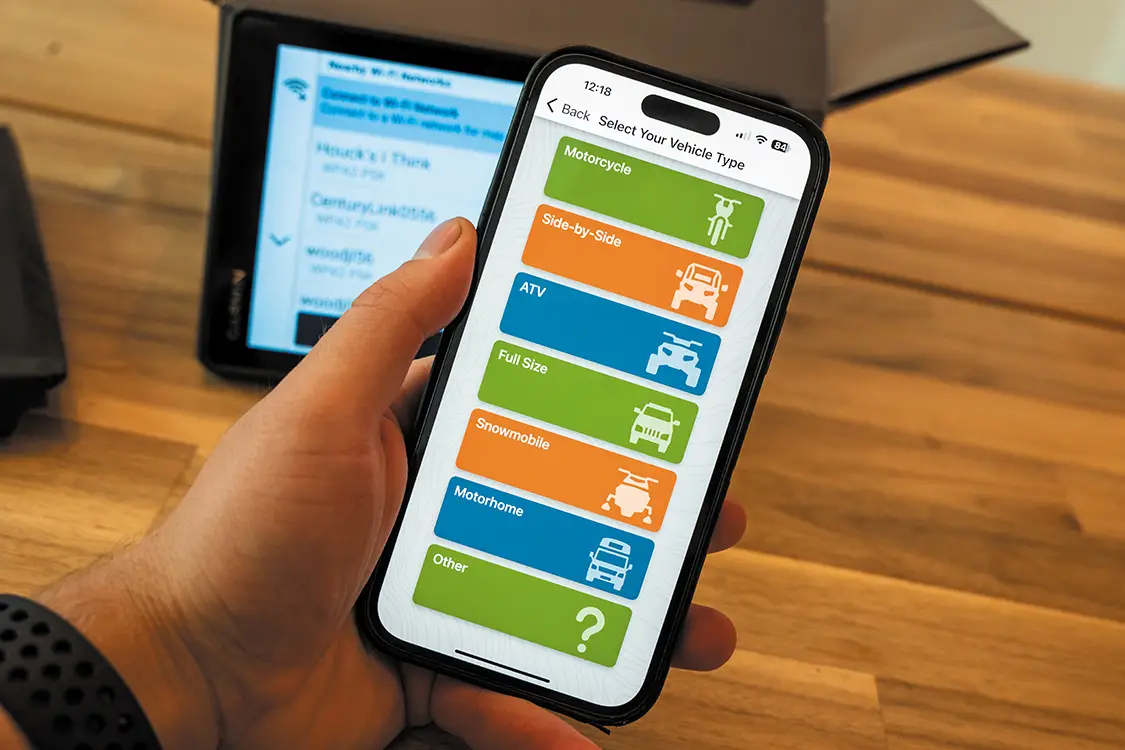
Setting up the Tread 2 was straightforward and intuitive. You put in your information, make an account with Garmin, and go through the typical setup for any piece of technology these days—connect it to the Internet, check for updates, etc. What I was immediately impressed by, however, was the concept of profiles. I configured the Garmin to use with my Cayenne, as that is my primary vehicle of choice when off-roading or overlanding. The setup menu presented the options of Motorcycle, Side-by-Side, ATV, Full Size, Snowmobile, Motorhome, or Other. After selecting Full Size, it gave me the option to add if the vehicle was towing a trailer. Impressive. I played with the rest of the menus a bit more to familiarize myself with the unit, and then it was off to the races! Or the trails, I suppose.
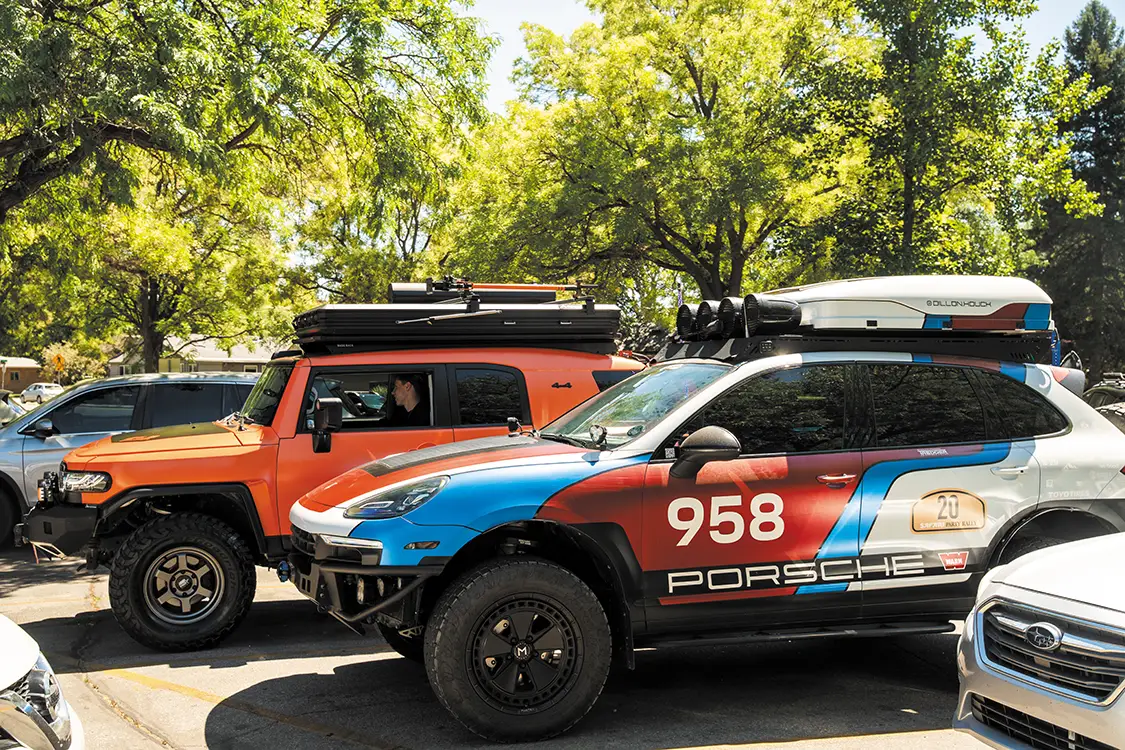
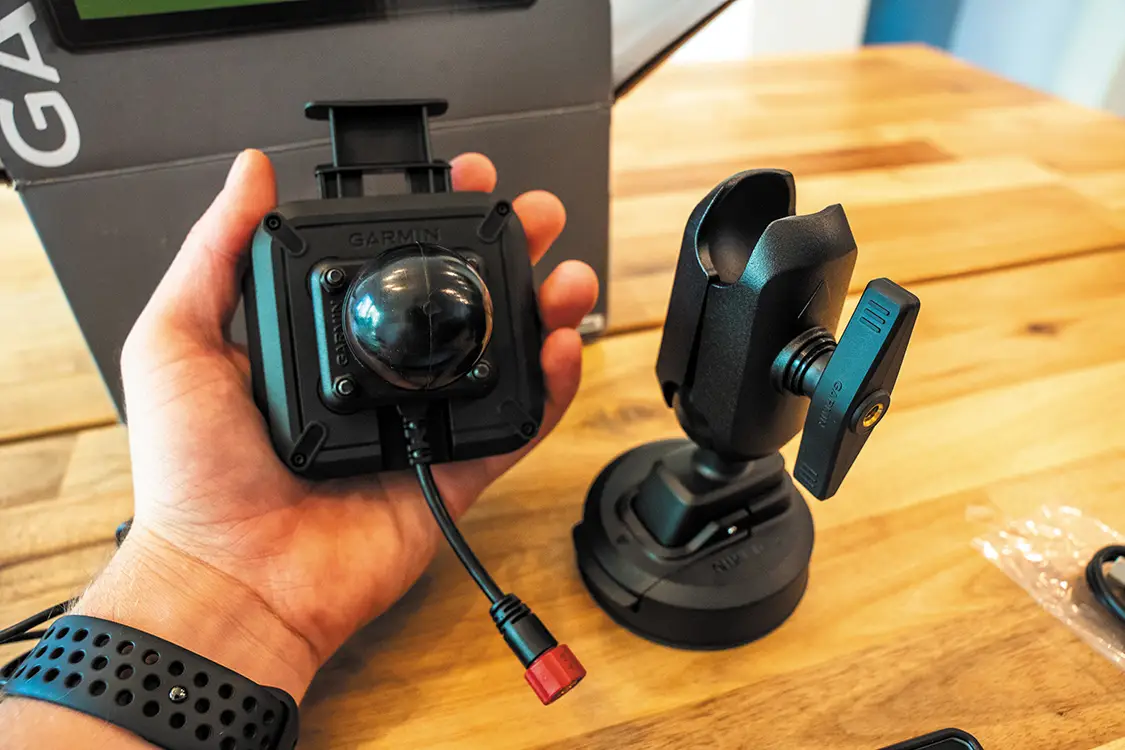
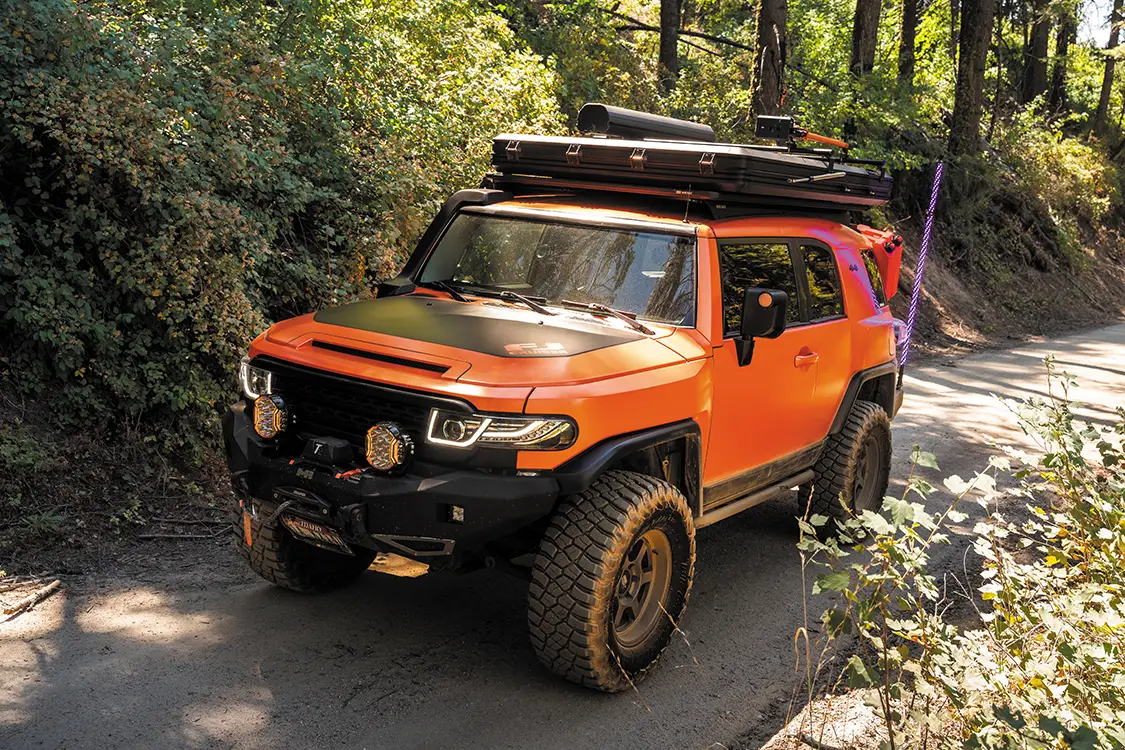
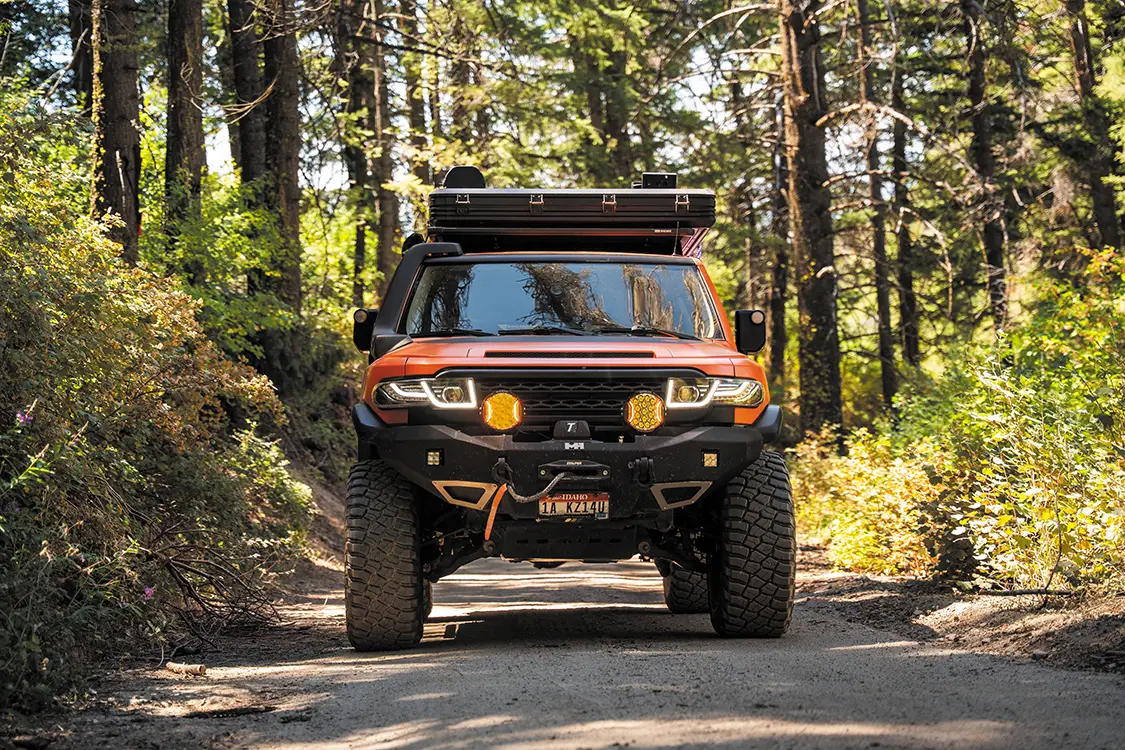
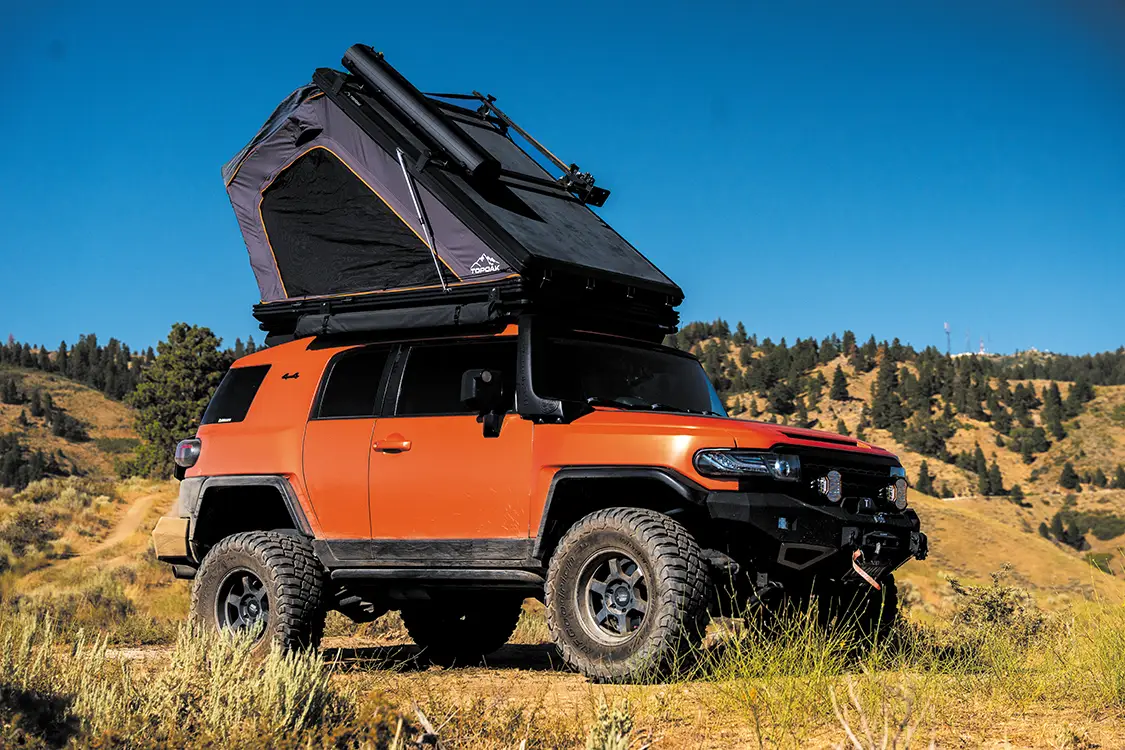
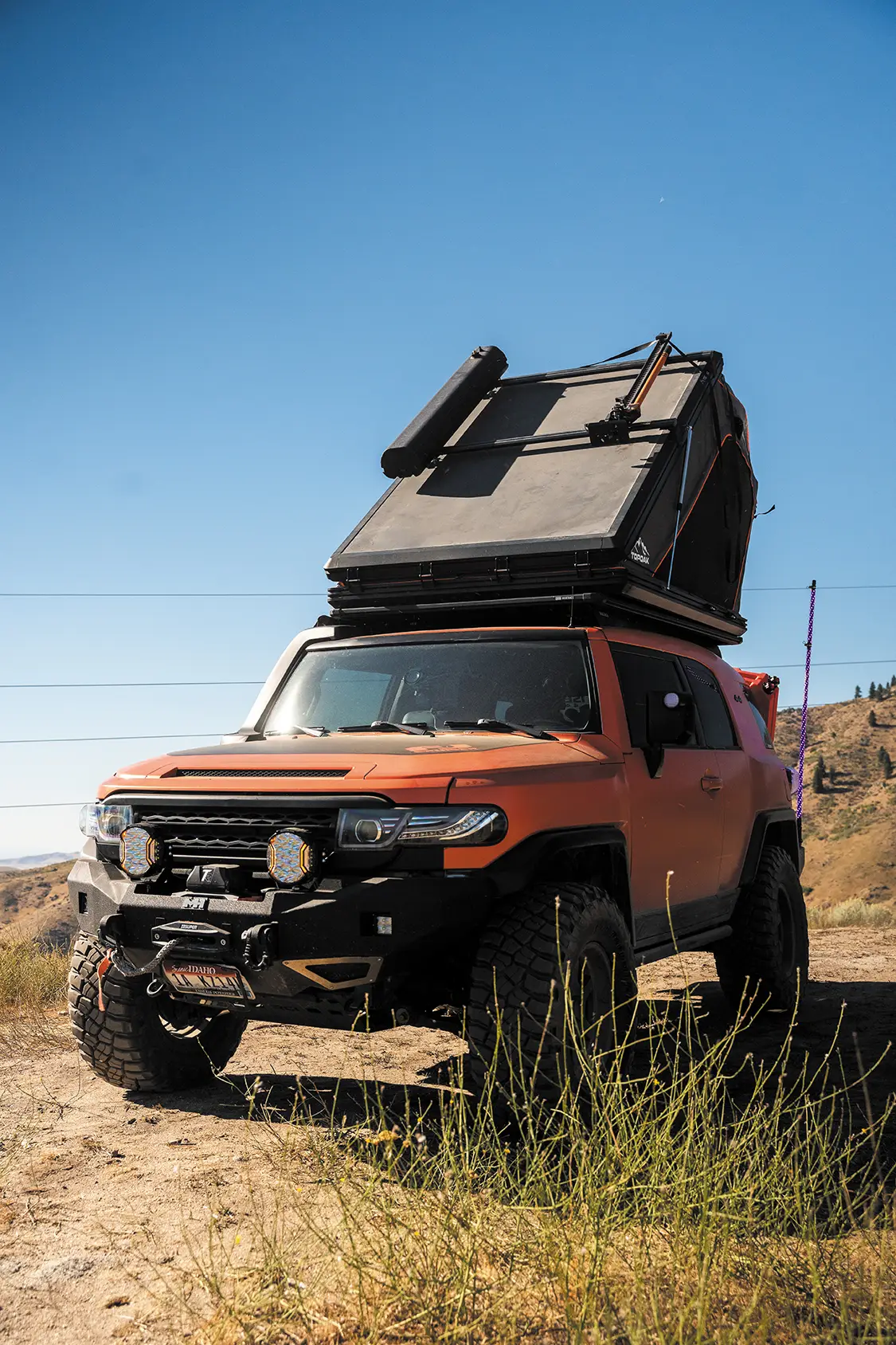
With the Tread 2 mounted (temporarily) on the windshield of the Cayenne, I made my way across the Boise valley towards downtown, where I met up with Tad Carlisle and his bright orange 2007 FJ Cruiser (@tcarguy on Instagram). From here, removing the Garmin from the Cayenne’s windshield and swapping it into the FJ took all of 30 seconds. Using the included power adapter and the genuine RAM mount, it was incredibly quick and easy to fit the display into the interior of the FJ (for anyone who owns an FJ Cruiser, this system fits perfectly between the gauges on top of the dash and the mirror).
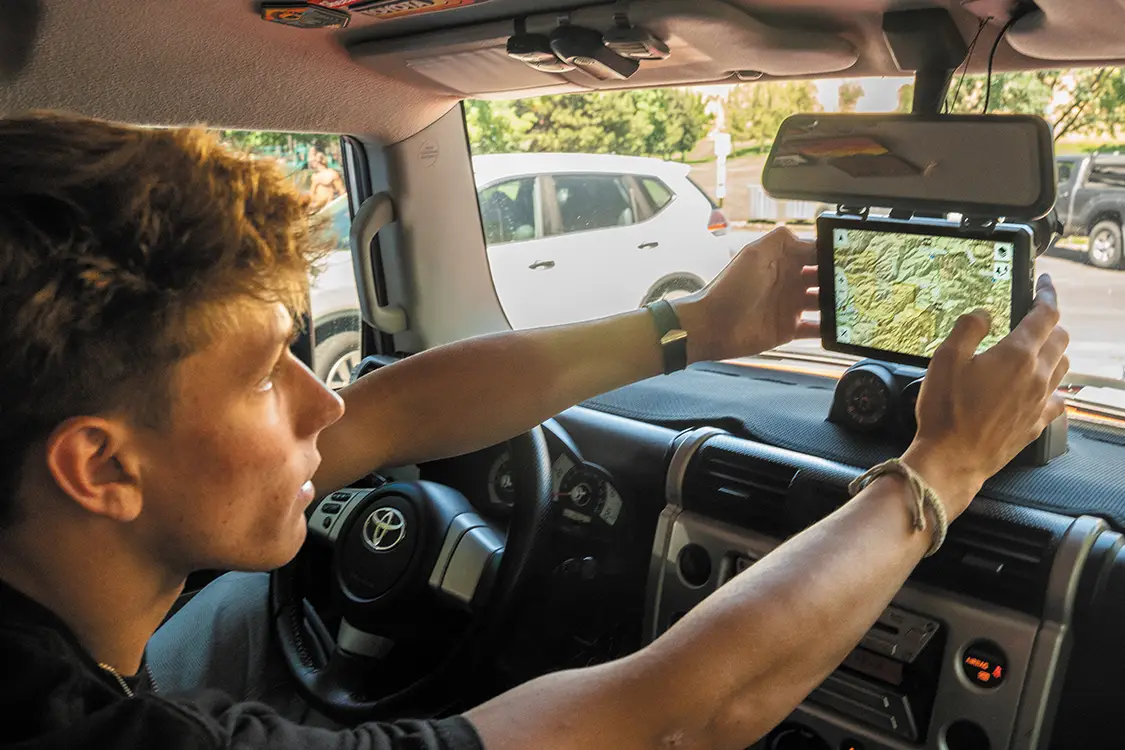
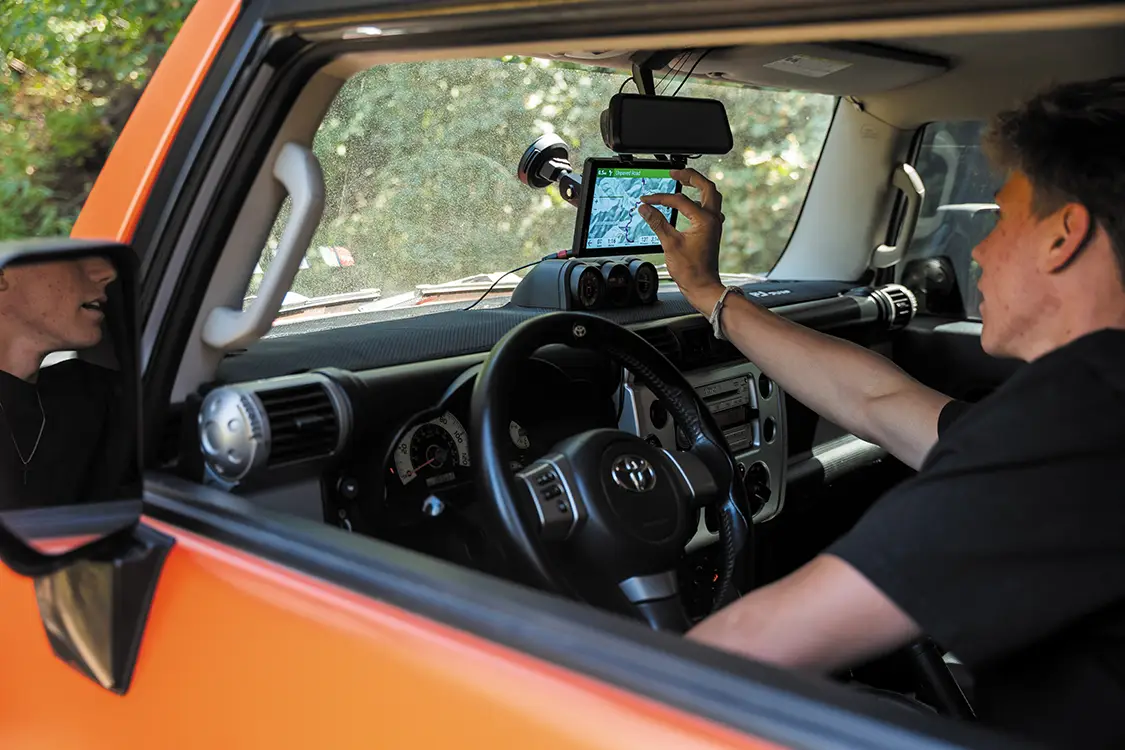
To start our adventure, Tad pulled the Tread 2 off its mount on the dash to enter some route points and start the navigation. One of the aspects we immediately fell in love with was the ability to easily remove the unit from the charging mount for use as a tablet, then effortlessly return it to the windshield in seconds. Not only did it make it easier for text entry like waypoints or coordinates, but you could pass it around or hand it to a navigator without much fuss. Dad would have loved that feature back in the RV.
We started our climb into the Boise foothills, and as pavement turned to gravel and then to dirt, we knew we were in for a good day on the trails. To really push the trail navigation and test the GPS accuracy, we decided to take a popular off-roading trail that led to one of our local ski resorts—Bogus Basin.
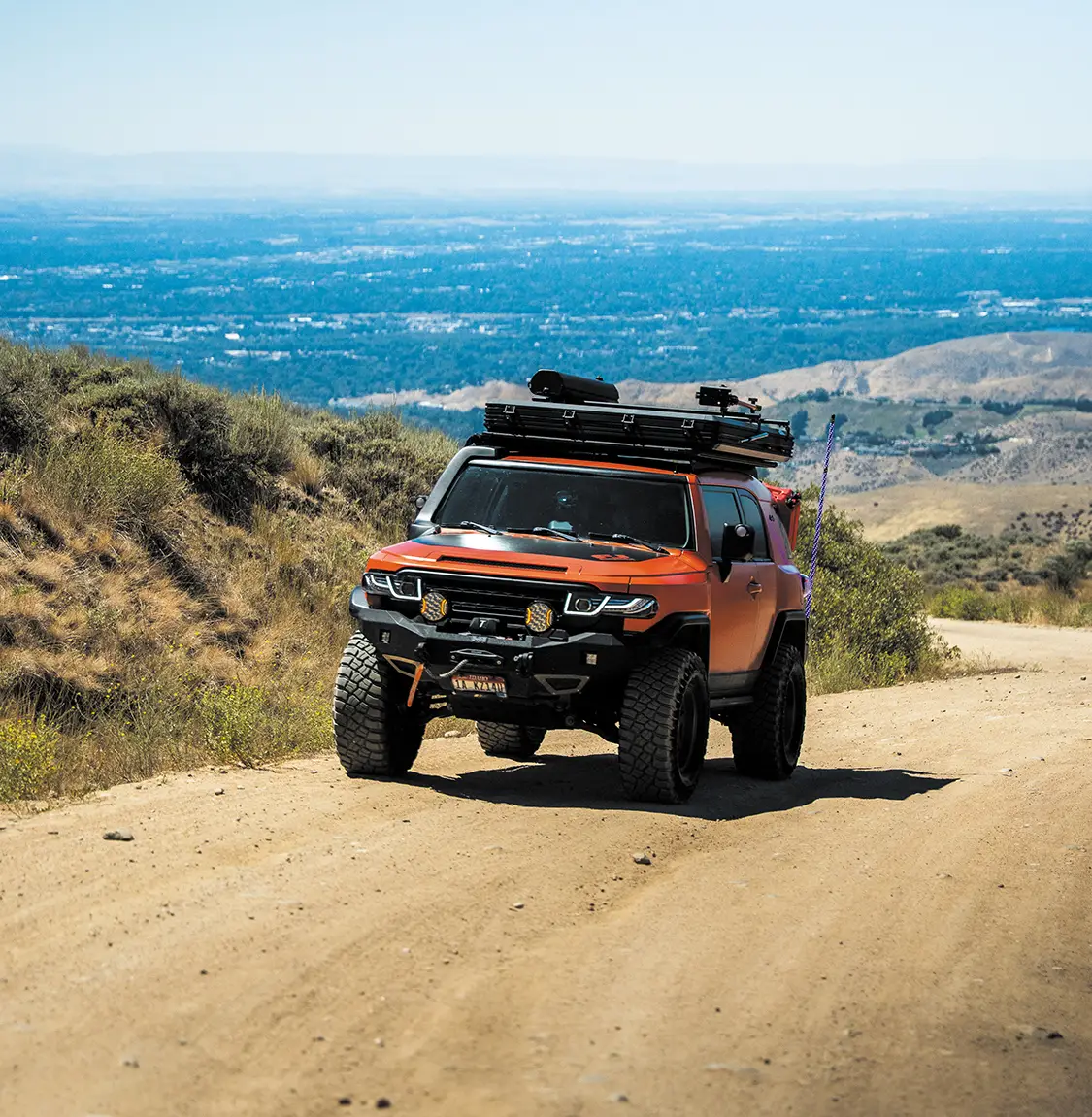
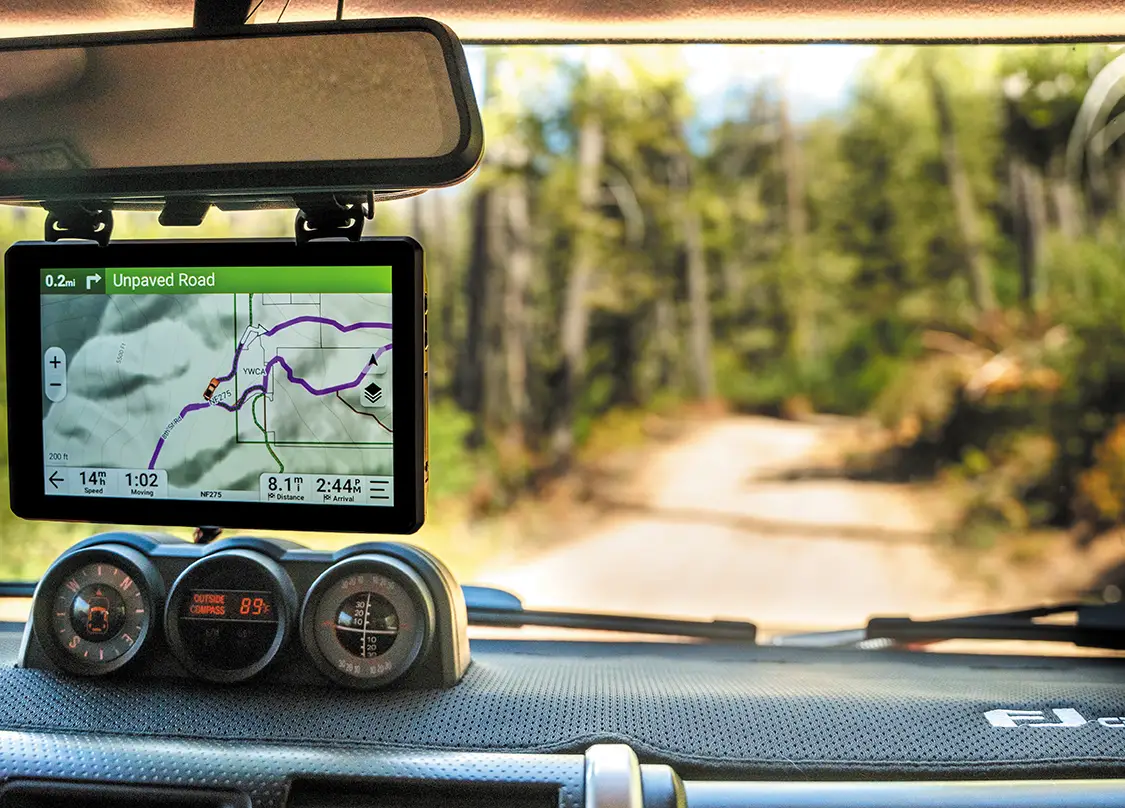
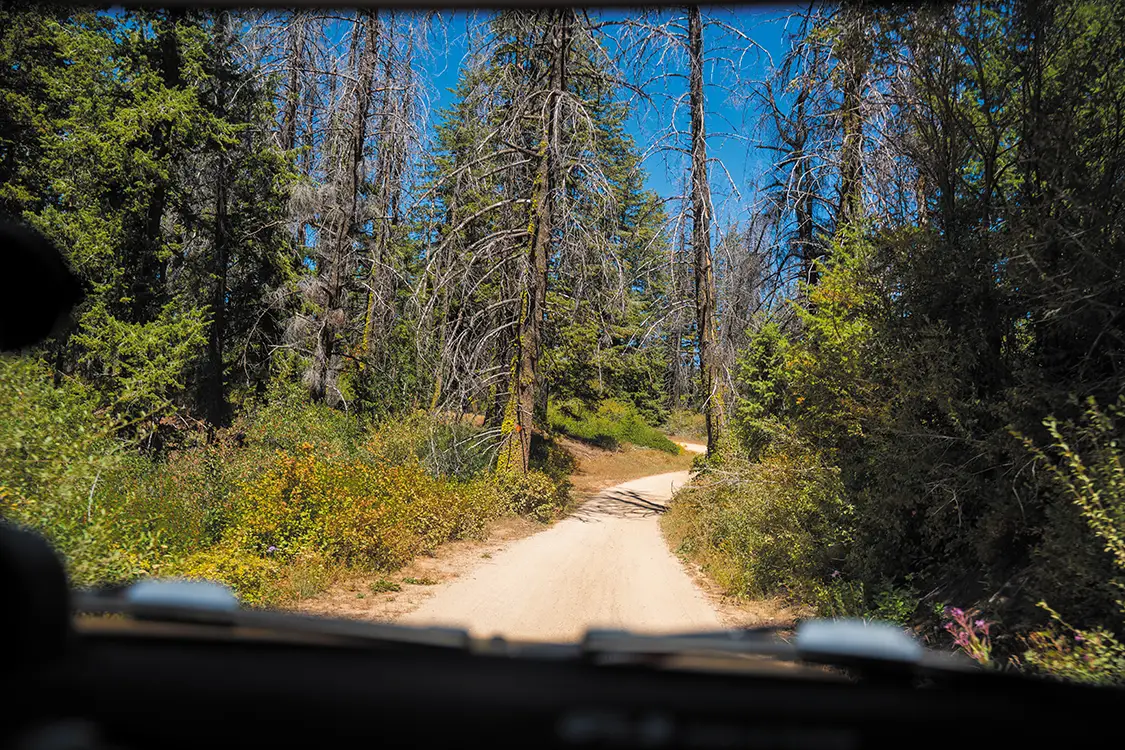
From the passenger seat of the FJ, I familiarized myself with all the different menus and functions of the Tread 2, checking out features like the altimeter, barometer, and onboard compass as we made our climb further into the Boise National Forest. As we climbed higher and higher in elevation, the brush and dirt turned to lush green pines. The area we were driving in was chock full of trails, so I had Tad take detours and turns that deviated from the more typical route. While a regular mapping system often takes a good amount of time to calculate a new route, the Garmin unit realized our changes almost instantly, populating new routes that would take us to our destination. We repeated this process of trying to screw up the Tread 2’s pathfinding skills, yet it continued to adapt the route accordingly until we reached the base of the ski resort.
To avoid driving over weary mountain bikers, Tad and I dropped the FJ back onto the pavement for the home stretch to the lodge of Bogus Basin and stopped for lunch. One Bogus Basin burger and a tri-tip bowl later, we jumped back into the FJ Cruiser to carry on with our journey.
Our next challenge for the Garmin was to see how easily we could find a theoretical place to set up camp for the night. Using the Tread 2, we searched and filtered for nearby overnight camping locations, ultimately finding a spot midway down the mountain towards Boise. Once again, plotting a route to our new destination was quick and easy with the Garmin unit, and within a minute or two, we were on our way back down the mountain to our final stop for the day. Following fifteen minutes of on-road navigation down Bogus Basin Road, we rolled until the map told us to take a left turn onto an unpaved trail. We dropped off the pavement and onto the dirt once again, and the FJ made light work of the remaining trail to our camping spot. A short fast forward and a few minutes of light off-roading later, we pulled into a beautiful patch of land overlooking the entire Boise valley. The rest of the evening was as straightforward as the navigation getting there. Tad set up his rooftop tent, and we hung out atop our hilly campground while watching the sun set over the Treasure Valley. All in all, it was a good day of adventure, with dramatically fewer pauses to check a map.
The Garmin Tread 2 Overland Edition isn’t a groundbreaking piece of technology, as the original version of the Garmin Tread has been available to the public since spring of 2021. It is, however, a solid improvement on an already great tool. That is exactly how I viewed this system—a tool to improve the overall off-roading and overlanding experience. My premise of the Garmin Tread system is that it offers a solution to streamlining the navigation experience in a vehicle, whether on the pavement or on the dirt.
When you are out on a trail, or 30 miles outside of any cell signal, you don’t want to have to think about whether or not you will be able to find your way back home. The Garmin Tread 2 gives you the comfort and security of a reliable navigation system, made to take you where you want to go without compromise. Need a bonus? No phone chargers or monthly map subscriptions are needed.
So would I recommend picking up the Garmin Tread 2 Overland Edition for your next adventure? If you are someone who takes off-roading or overlanding seriously and wants to invest in a tool that leaves you with more time to adventure, then the Garmin Tread 2 should be at the top of this year’s Christmas list. The Tread 2 is responsive, intuitive, versatile, visually stunning, and incredibly functional.
On an experiential basis, having a tool that you can trust to take care of the “to” and “from” means that you can focus on the journey itself, hanging your arm out the window, feeling the breeze as it runs through your fingers, and enjoying the world around you stress-free. If that is why you go out, then this is a tool you should have in your toolbox. Also, if either you or your significant other/copilot/whatever who sits in the seat next to you has been declared navigationally challenged, this may bring you some well-needed harmony.
While for me this would have been more of a want than a need before giving it a test run, one thing is for sure—Garmin’s Tread 2 Overland Edition gives you the peace of mind to stop and really smell the roses, instead of worrying about whether or not the unmarked path you’re on will even reach the proverbial rose garden. But go get your own. I’m keeping mine.
Chevrolet
Getting Started on the 1993 Silverado C3500 Dually If you missed Part 1 of this build, let us get you up to speed. We picked… Continue reading
Josh McPherson . January 09, 2026
OBS Builders Guide
Project Artemis Ridetech Air Suspension Install. A couple of issues back, we introduced you to not only our latest project truck known as Artemis but… Continue reading
Chris Hamilton . April 22, 2021
Buyer’s Guides
Photos provided by the Manufacturers Direct-Fit Dash Kit for ’67-’72 Chevy Trucks Auto Meter’s kit for C10 pickups provides a custom performance gauge solution without… Continue reading
Mike Alexander . April 01, 2024
C10 Builders Guide
Installing a Dakota Digital RTX Instrument Cluster in a 1967 C10 What’s better than driving an all-original classic? Driving a classic that looks all-original but… Continue reading
Josh McPherson . October 26, 2023
Diesel World
ADDING WILWOOD DISC BRAKES TO AN F-250 When it comes to driving a big truck or pulling a trailer down the road, ensuring that you… Continue reading
BRANDON BURRELL . September 27, 2023
Feature Stories
The Tire-Burning, Gear-Banging, Hell-Raising ‘76 F-100 When building a “dream build” truck, some prioritize comfort for cruising. Some want a beautiful truck to park at… Continue reading
Charlie Smurthwaite . January 09, 2026



Terminal Takeover 2026
21 airport rd Ext, Greenville, SC
Altered Metal 2026
Rayne, LA
Orange Beach Invasion 2026
The Wharf Orange Beach, Alabama
Southern Tradition Car/Truck Show 2026
Etowah River Park Canton, GA
Local Studebaker Drivers Club Chapter Private Tour Of John Muir House
John Muir House 4202 Alhambra Ave., Martinez, CA


 Please wait...
Share Link